
Open the beta
Use the button on this page. It opens TestFlight or a waitlist when that link is configured. Selara is not listed on the App Store.
Beta
The iOS app is an open beta through TestFlight, not a listing on the App Store. This page is public. No account required to read it.
Start
Access
Selara is not on the App Store. The iOS open beta is distributed through TestFlight. Until that link is configured, email us from this page and we will send access.
What happens next
The first approval is the product. Do not skip it.
Use the button on this page. It opens TestFlight or a waitlist when that link is configured. Selara is not listed on the App Store.
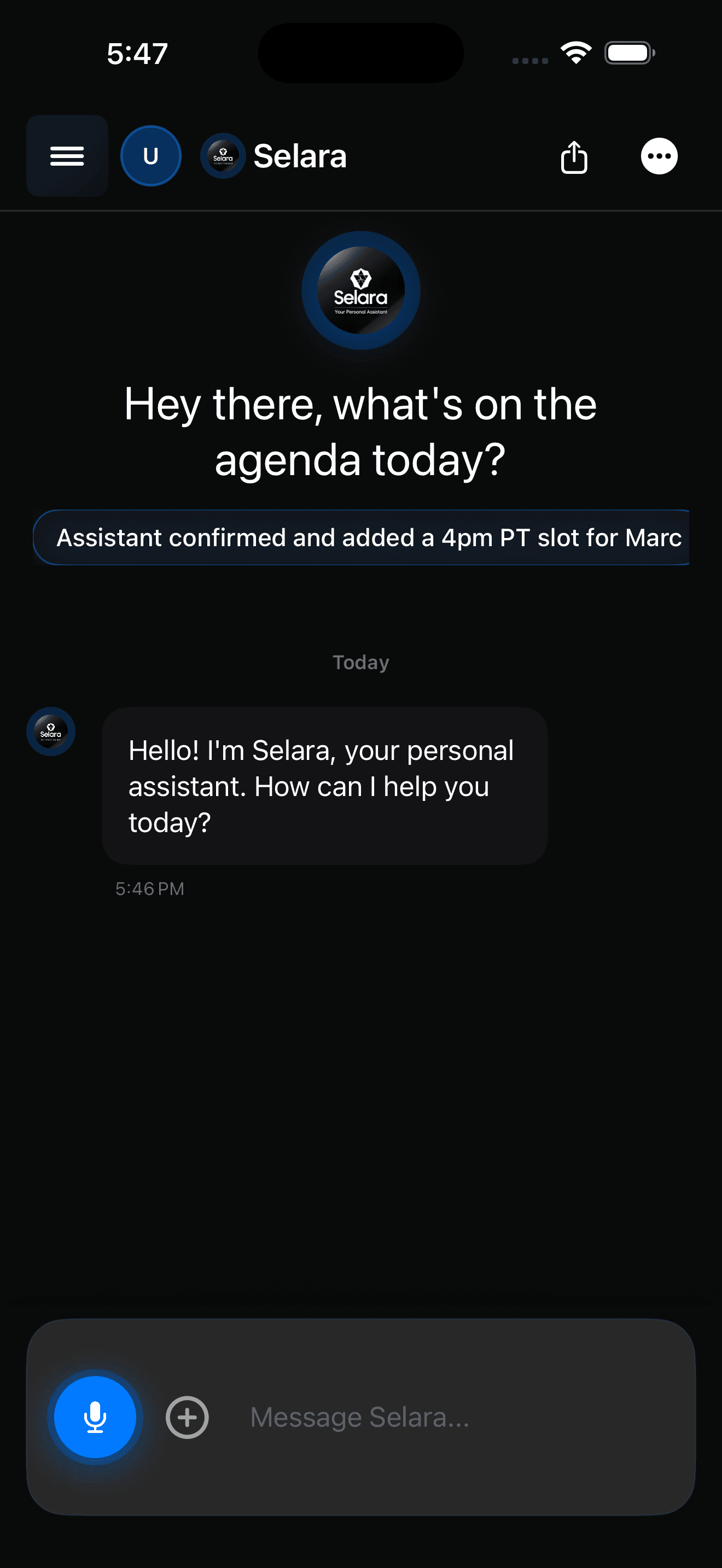
Selara is iOS-first. Install, grant the permissions you actually want, and start with one real calendar.
Ask it to reschedule something, draft a follow-up, or walk the day. Watch the plan appear before anything goes out.
That pause is the product. If you do not like the plan, edit it. Trust is built in the first ten minutes, not the privacy policy.
Open beta
Join the open beta and see approval-first automation, calendar intelligence, and voice-native control in one iOS assistant — built for people who cannot afford careless mistakes.